ZenoWorks Sudoku

ZenoWorks Sudoku

ZenoWorks Sudoku
ZenoWorks Sudoku. Four difficulty levels to test your logic!
A classic Sudoku reimagined with adorable baby creatures! From Mystery Egg to Eternal Dragon, 9 unique babies across 4 difficulty levels. Switch between number and baby display modes, with notes to track your candidates. Fun for all ages!
PuzzleLogicSudoku📱 Google Play
📱 Google Play
More from ZenoWorksSee all →
It struck me one day that Sudoku does not need numbers at all. It is really about arrangement: nine different things, each appearing once in every row, every column and every box. What those nine things are does not matter. We use digits out of habit.

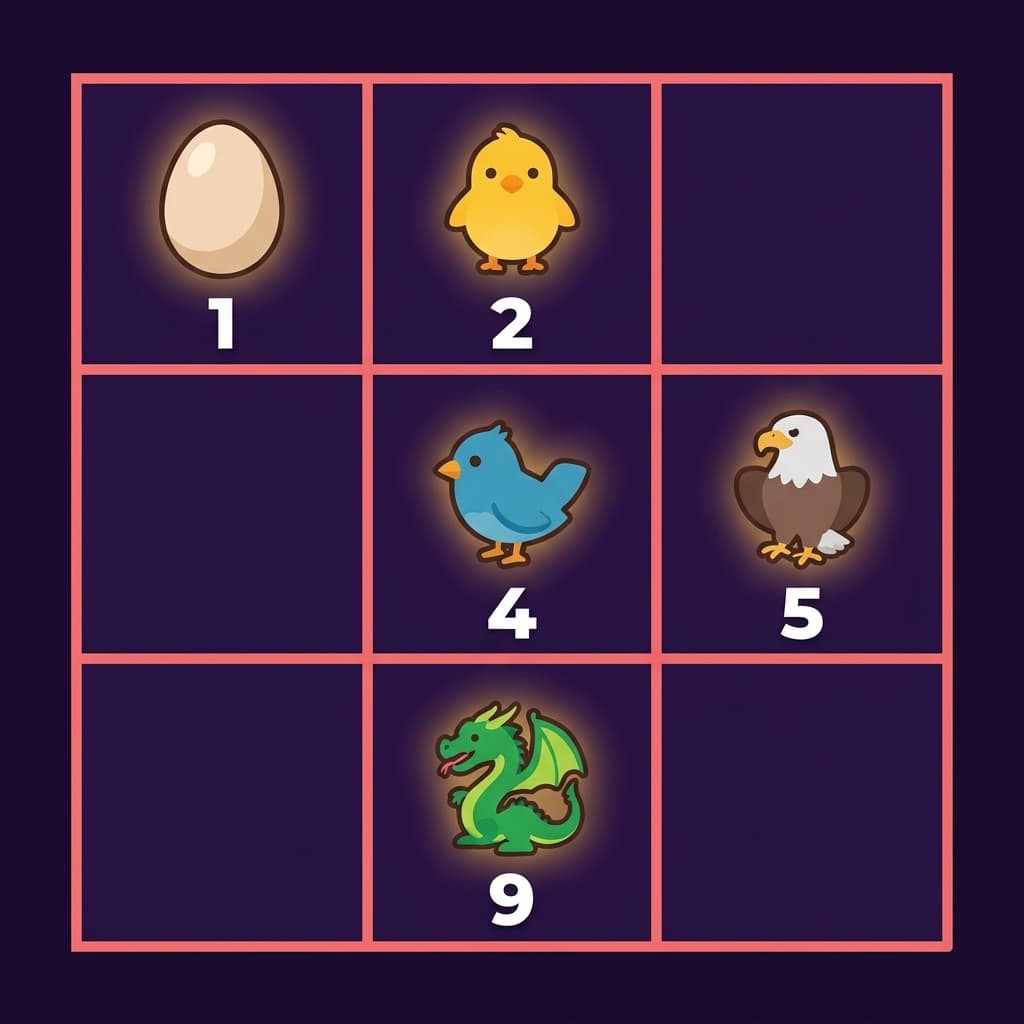
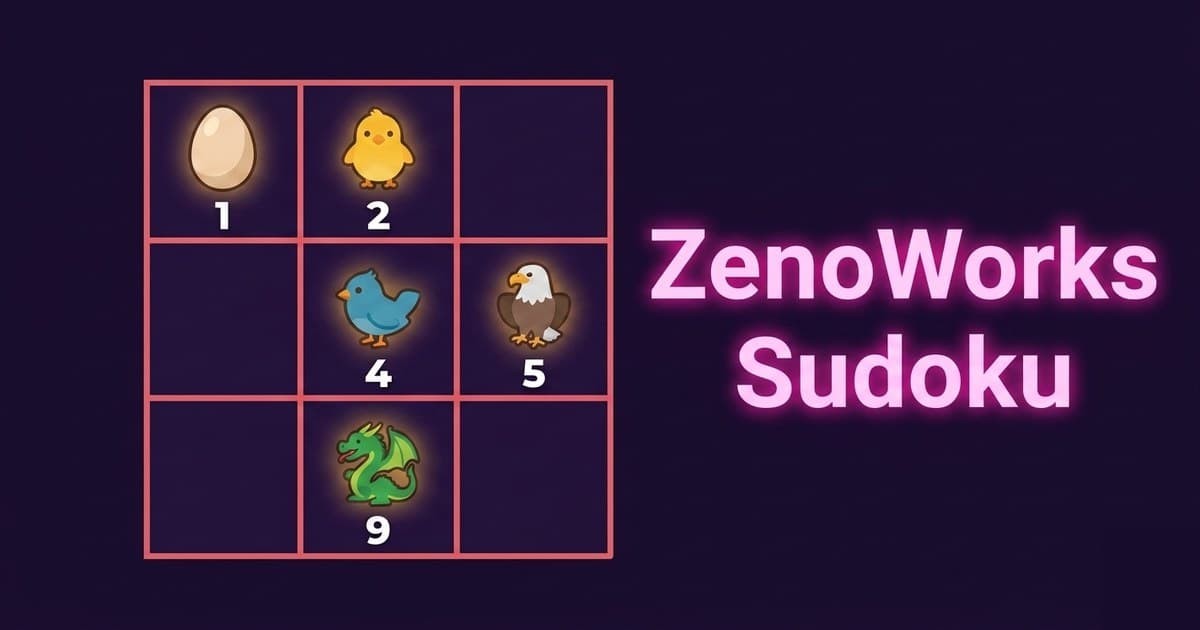
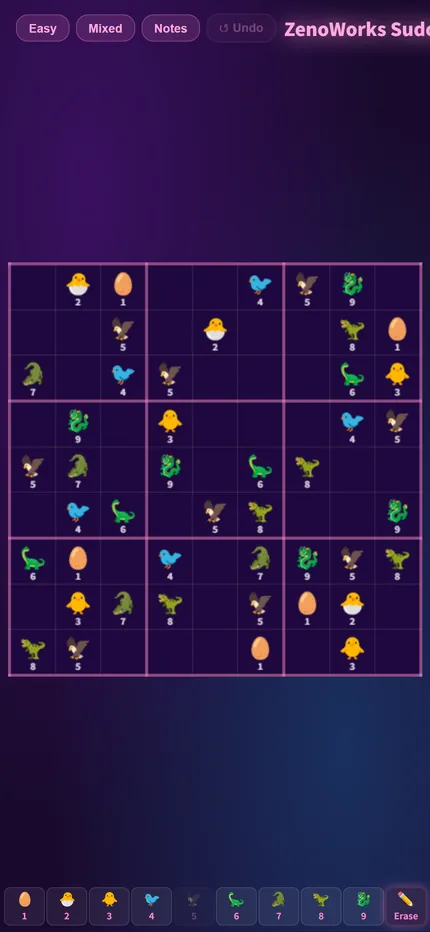
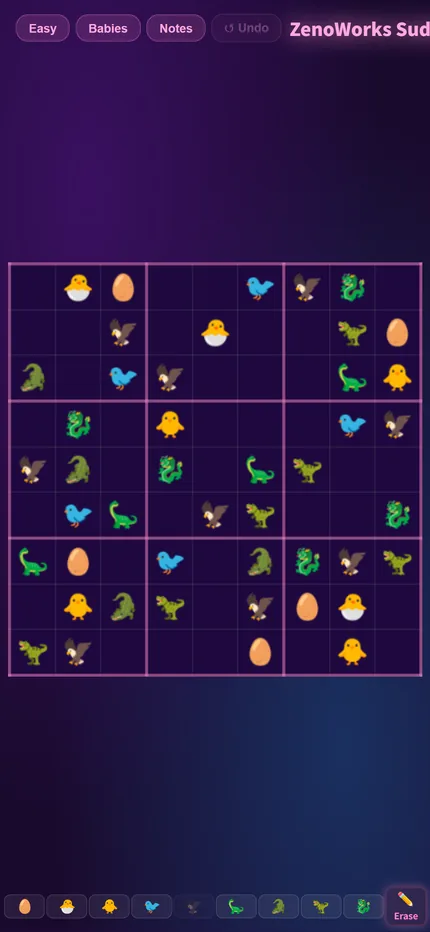
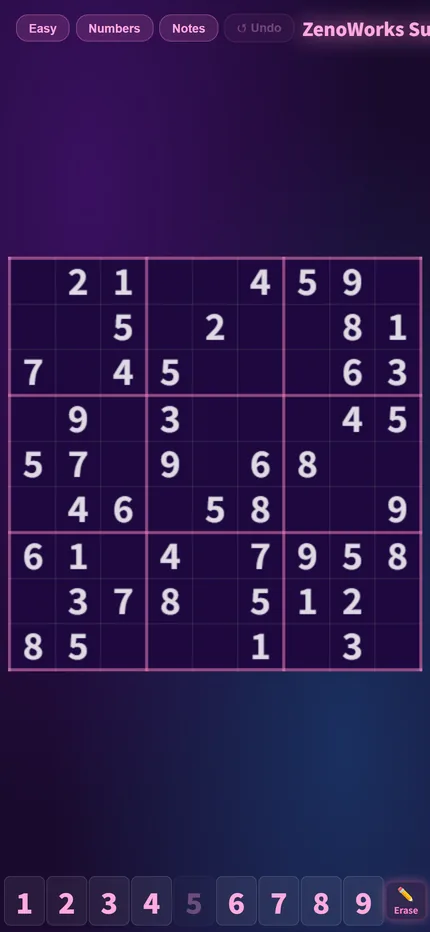
So I built a Baby mode that swaps the digits for baby pictures, with identical rules. Number mode is reading symbols, Baby mode is recognising shapes, and the instinct involved is different. Mixed mode shows both at once, as a way in for anyone not used to the pictures. You can switch mode at any time, even halfway through a puzzle.

The full story is in the dev log.

1
Goal: Once in Every Row, Column and Box
The 9x9 grid is divided into nine 3x3 boxes. Fill it so that each of the nine babies (or the digits 1–9) appears exactly once in every row, every column and every box.
2
Baby Mode and Number Mode
Switch to numbers-only mode at any time. The rules are identical. If babies are new to you, start in Mixed mode, which shows both symbol sets at once, then move to pure Baby once your eye adjusts.
3
Notes
When a cell has several possibilities, use Notes to record all the candidates inside it and narrow them down by elimination later. From Hard upwards, notes are close to essential, because pure mental arithmetic rarely carries you through.
4
Four Difficulties
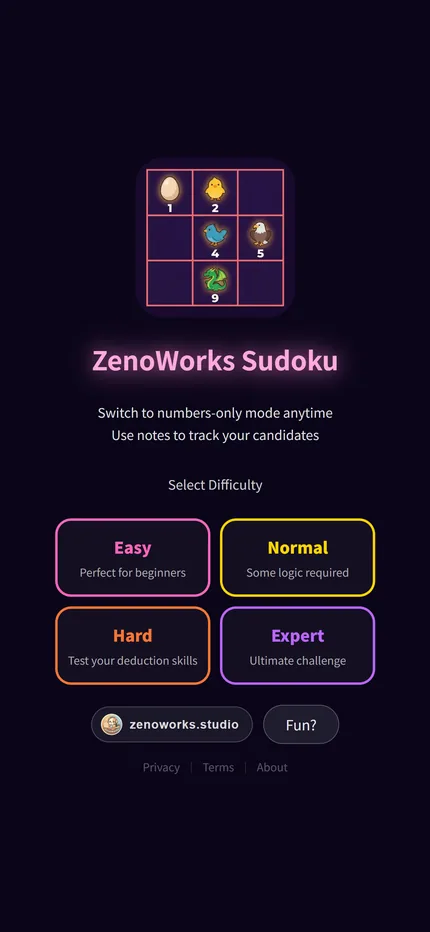
Easy, Normal, Hard and Expert. The difference lies in how many cells are filled in at the start and how deep the required reasoning goes.
1
Last Cell
A group with one empty cell left. The answer is simply the missing number. No reasoning needed. These turn up more and more as the grid fills, so keep glancing back as you go.
2
Hidden Single
A number with only one place left in a box (or row, or column). That place is its home. This is the one to open with. How many candidates that cell still has does not matter. What matters is that the number fits nowhere else.
3
Naked Single
A cell whose row, column and box already show 8 different numbers. The missing one is its answer. This is the mirror image of the hidden single: that one watches a number, this one watches a cell. Early on the grid is too empty to rule much out, so it comes into its own once the board is more than half full.
4
Pointing Pair
A number inside one box can only sit on the same line, so the rest of that line is ruled out. This is the advanced one. It never fills a cell, it only removes candidates elsewhere, which is what lets the first three carry on. Hard puzzles often stall right here.
First playable build: the 9x9 grid, four difficulties and the notes feature.
Adjusted the colour scheme, redesigned the home screen and added a lives system.
Selecting a number now highlights every matching cell on the board, making candidates easier to spot. The lives system was removed in favour of unlimited attempts, because sudoku is about reasoning, not about punishing slips.
Enlarged the grid so it is easier to tap on mobile.
The game now opens straight into difficulty selection instead of a language page first. Added sharing on the results screen.
Tidied up the difficulty cards; fixed the board drifting off-centre after rotating a tablet.

Get the Game

The full game is on Google Play. Free to download.

📱 Get it on Google Play

Play Now

ZenoWorks Sudoku|Title screen
Title screen
ZenoWorks Sudoku|The board
The board
ZenoWorks Sudoku|Selecting a cell
Selecting a cell
ZenoWorks Sudoku|Notes mode
Notes mode