A cute baby-themed Mahjong Solitaire. Free all the babies!
A baby-themed Mahjong Solitaire with 54 unique layouts! Match and remove free tiles to liberate all 36 baby creatures. Includes hint, shuffle, and bonus systems — playable on mobile, tablet, and desktop.
This one grew out of Connect. After finishing Connect I realised mahjong solitaire is the same family of tile game, so I reused Connect's structure to build it. What differs is how the tiles are arranged and the layers they sit in.
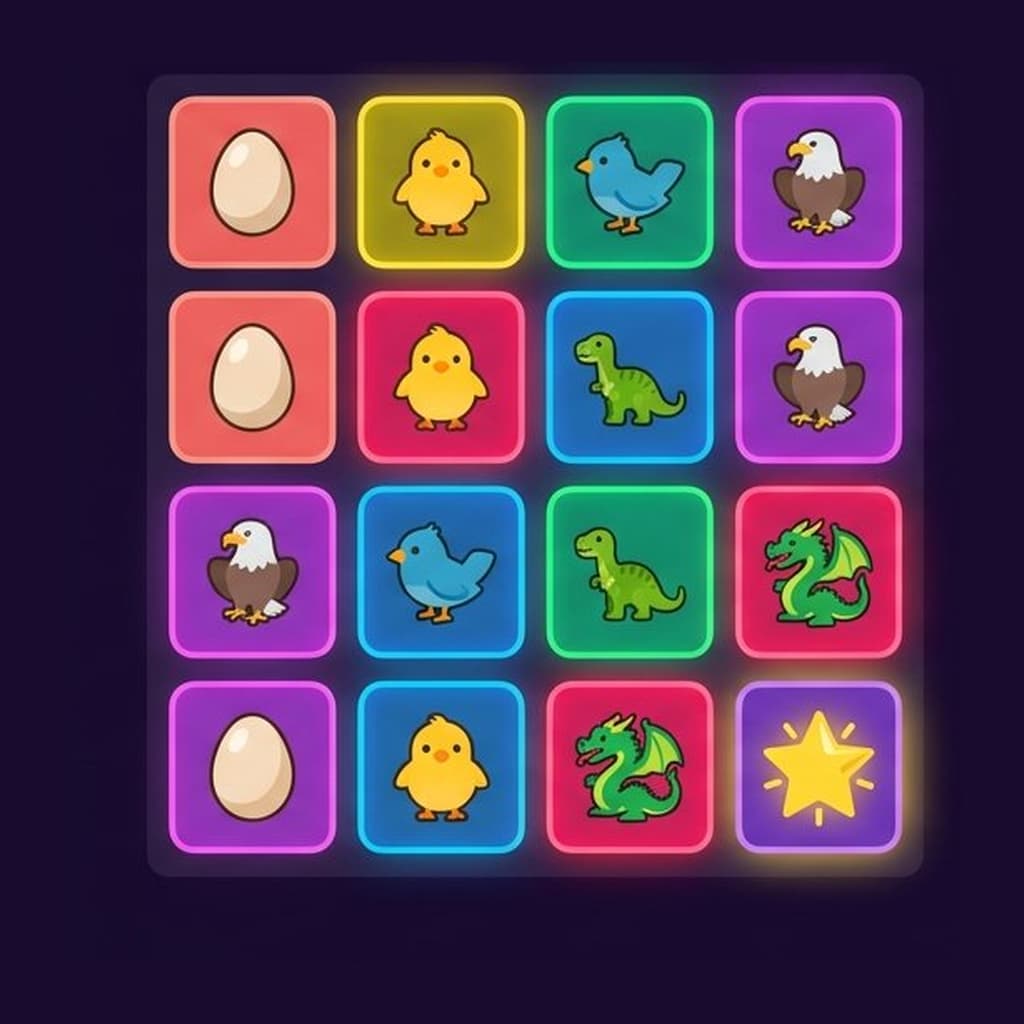
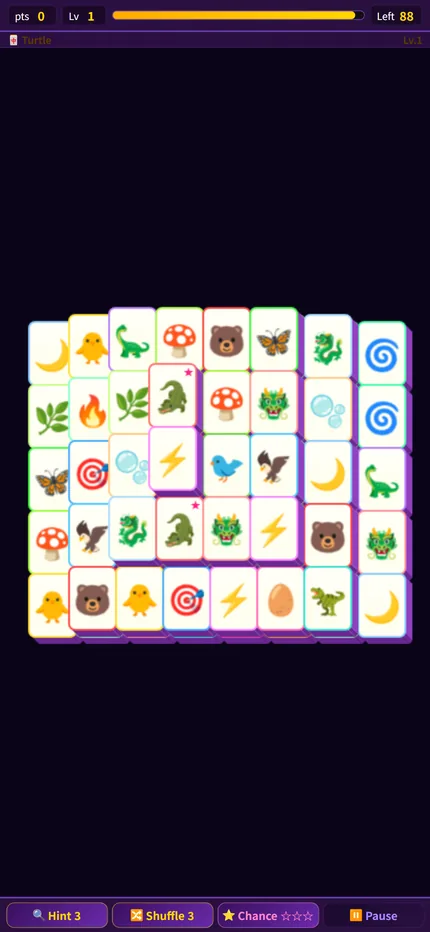
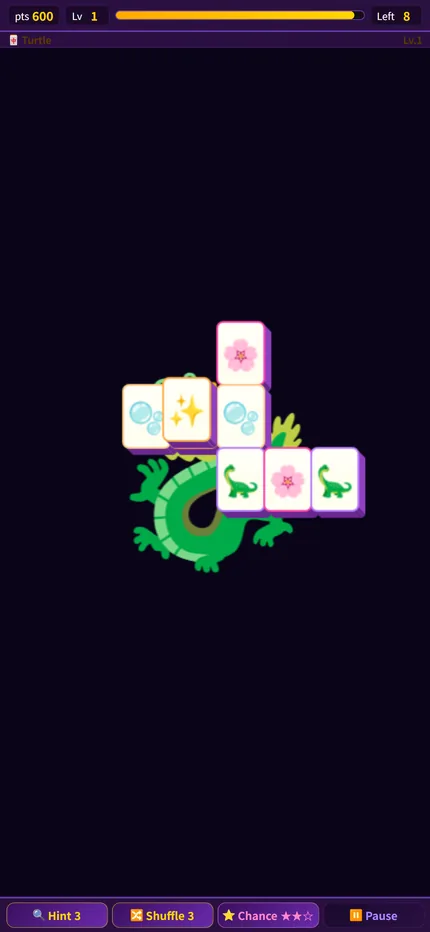
Tap two identical tiles to remove them together. Clear the whole layout to finish the stage.
2
🔑 What Makes a Tile Free
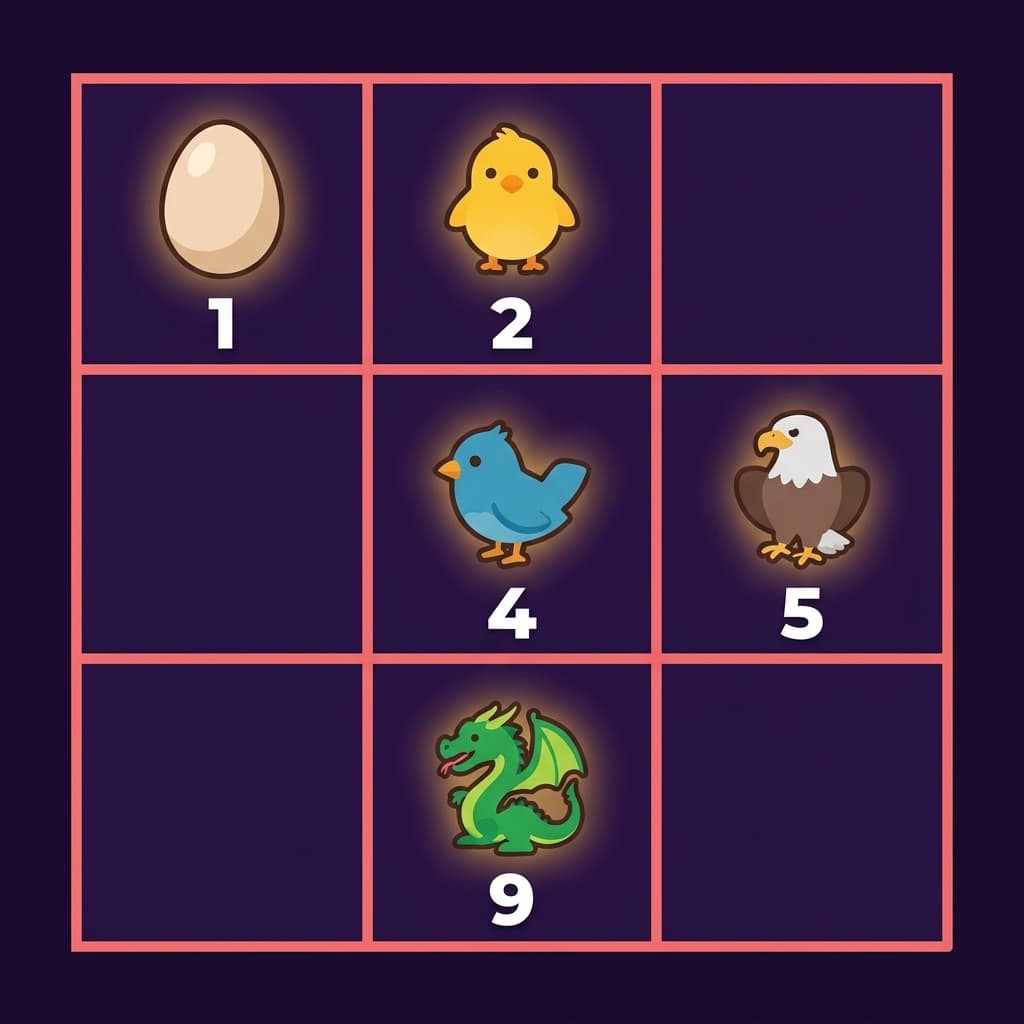
Only free tiles can be selected, and two conditions must both hold: at least one of its left or right side is open, and no tile rests on top of it. A buried tile cannot be taken even when its twin sits right beside it.
3
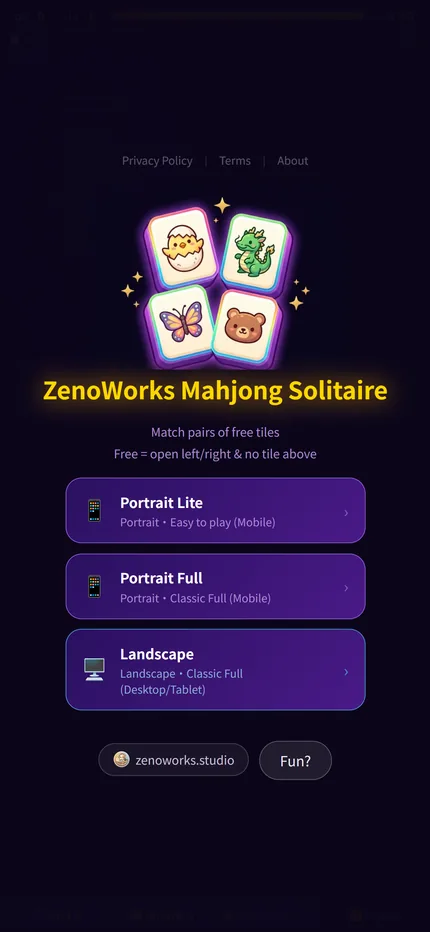
Three Layouts: Pick What Fits Your Screen
Portrait Lite suits phones, Portrait Full suits tablets, and Landscape Full suits desktops. All three are the complete game. They differ in layout size and screen orientation.
4
Chance Tiles, Hints and the Bonus Zone
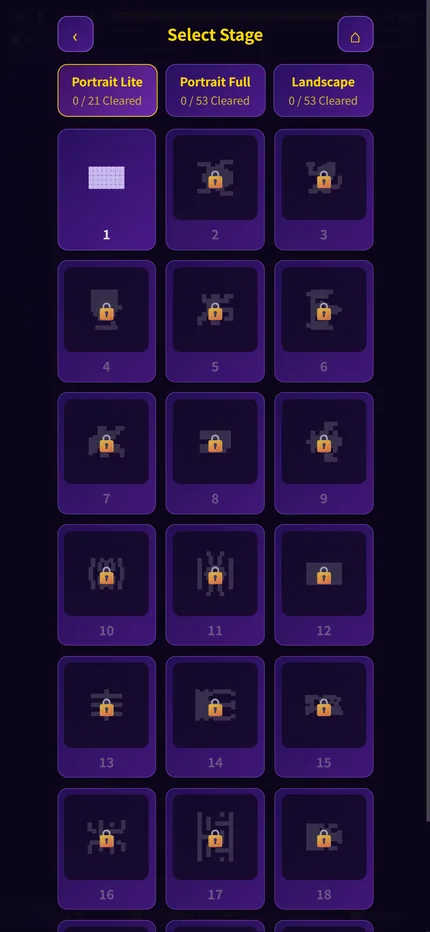
You can pick which stage to attempt. You get three hints and three shuffles. One baby is marked on screen as the Chance tile, and clearing a pair of it earns a star. Three stars open the Bonus Zone, where you restock hints, shuffles or time. The board reshuffles once as you leave it.
🏆 Strategy Guide
1
Clear the upper layers before the edges
A tile on top is holding down several tiles beneath it, so removing one opens up a whole area. A tile on the bottom edge may be free, but taking it frees nothing else, and it will usually still be there when you come back.
2
When two pairs are available, take the one that opens more
Do not just tap the first pair you see. Work out which one leaves more tiles free afterwards. The other pair is usually still there a moment later.
🗓 Update History
First playable build: 54 randomly generated stages and the free tile rule (one side open, nothing stacked on top).
Adapted to phone screens with more room in portrait; added wildcard tiles; the pause screen now shows the Hatchling; refined the clearing animation and layout.
Added three layouts — Portrait Lite, Portrait Full and Landscape; doubled animation speed and made tiles tappable while animations play; fixed combo counting.
Added a stage select screen with a thumbnail for every stage; four languages; rebuilt the clear screen.
The game now starts straight away instead of waiting three seconds on a language screen. Pause-screen icons are in colour again, six hard-coded Chinese strings were translated into all four languages, and Traditional Chinese auto-detection was fixed. Added sharing.
 zenoworks.studio